

In case of any issues with your environment, Apporto Support can troubleshoot by accessing your cluster through a support tunnel. To enable the support tunnel, follow the steps below.
-
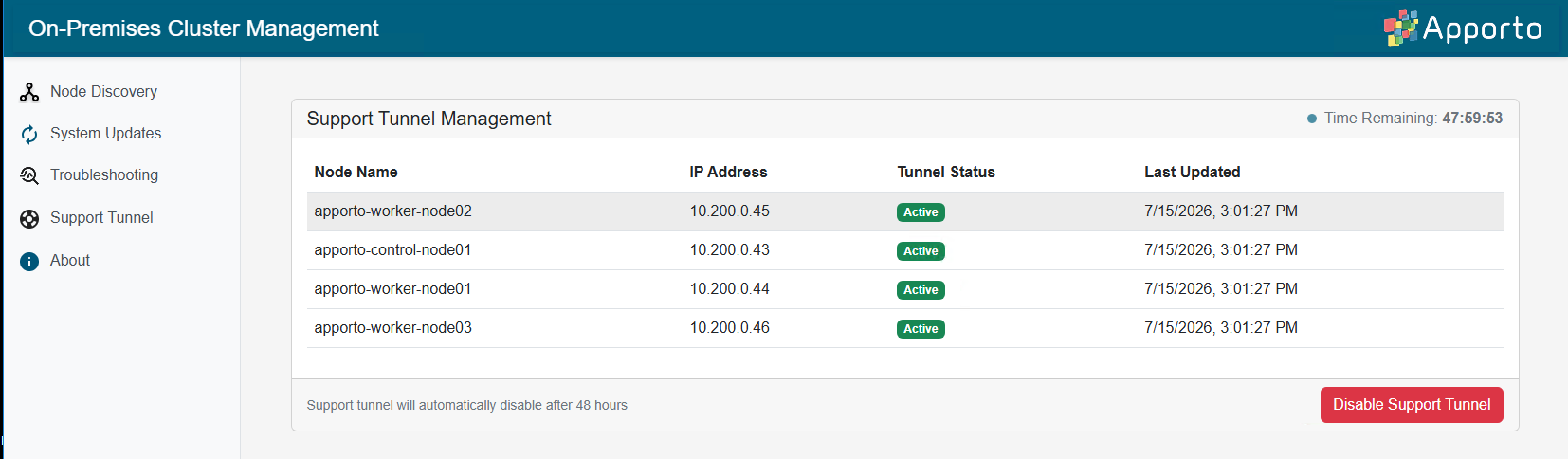
Return to https://[your_manager_node] in a browser window. Click on Support Tunnel to view the Support Tunnel Management screen.
-
The current status of the support tunnel on the manager node will display.
-
If the tunnel is disabled, click Enable Support Tunnel.
-
The tunnel will auto-disable after 48 hours. It can be re-enabled if needed by repeating the steps above.