

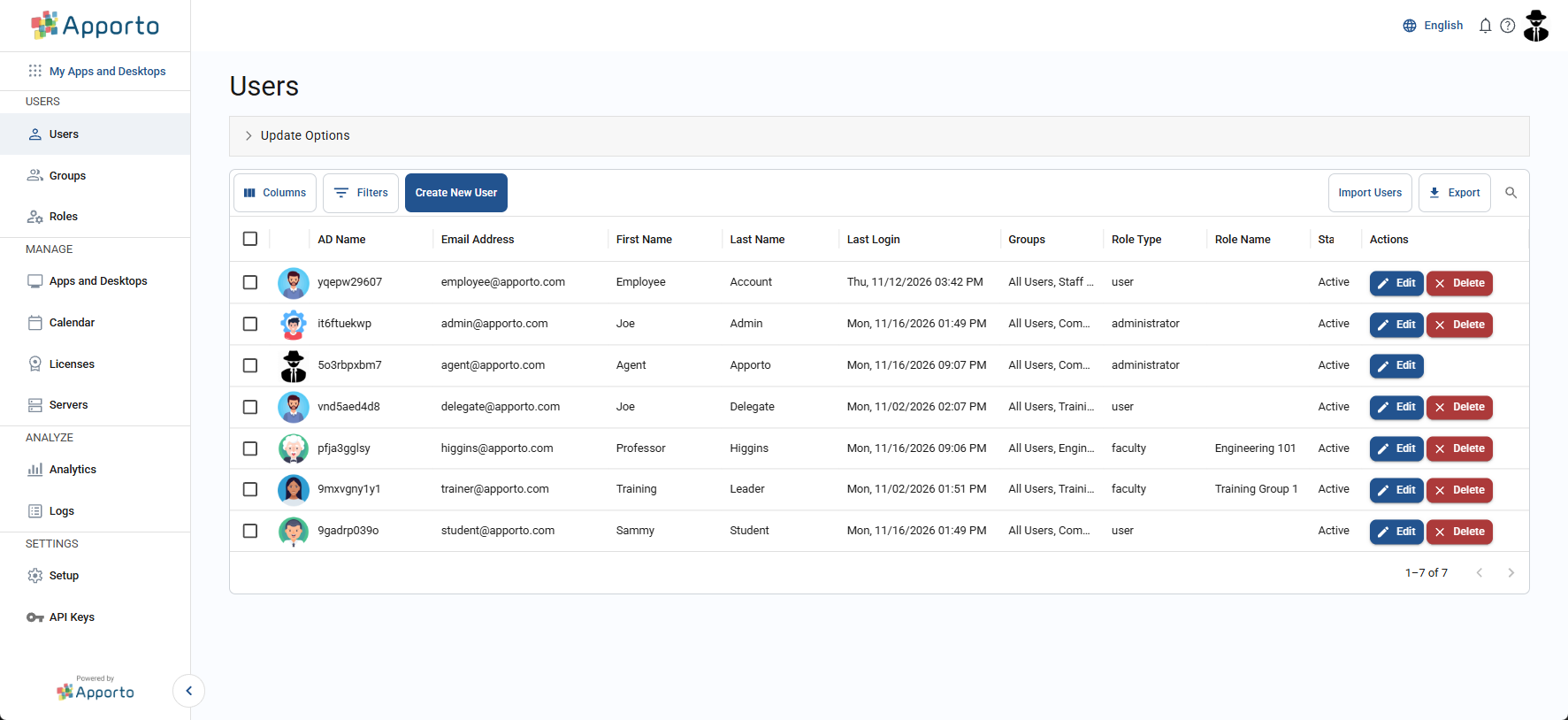
The Users page lists every user account in your Apporto instance. This page explains how to open the user list, change which columns it shows, and filter it to show a subset of users.
The link should resemble yourorganization.apporto.com, where yourorganization is the name of your organisation.
-
Log in to the system using your credentials.
-
Click users or the

Modify & Filter the list columns
For each user in the list, you will see available data in the enabled columns. You can choose which columns are visible.
For information on how to adjust the visible columns, or information on how to filter the user list see the article on Working with lists .
If you only need to see some of your users, you can filter the list to display a subset of them.
The system displays all users by default, until you apply a filter.